SwishFolio · SaaS + theme + plugin
Portfolio hosting, a block theme and a blocks plugin
SwishFolio is multi-tenant portfolio hosting for developers, designers and creatives, live in minutes with no code. It runs on WordPress, and the theme and Swishfolio Core plugin behind it are free to download for your own site.

Use it your way
Hosted SaaS
SwishFolio hosting
Pick a template, connect your own domain and publish. Hosting, security and updates are handled for you.
- Stack
- WordPress multisite, Stripe, M-Pesa
- Setup
- Under an hour, no code
- Price
- Paid plans
WordPress block theme
SwishFolio theme
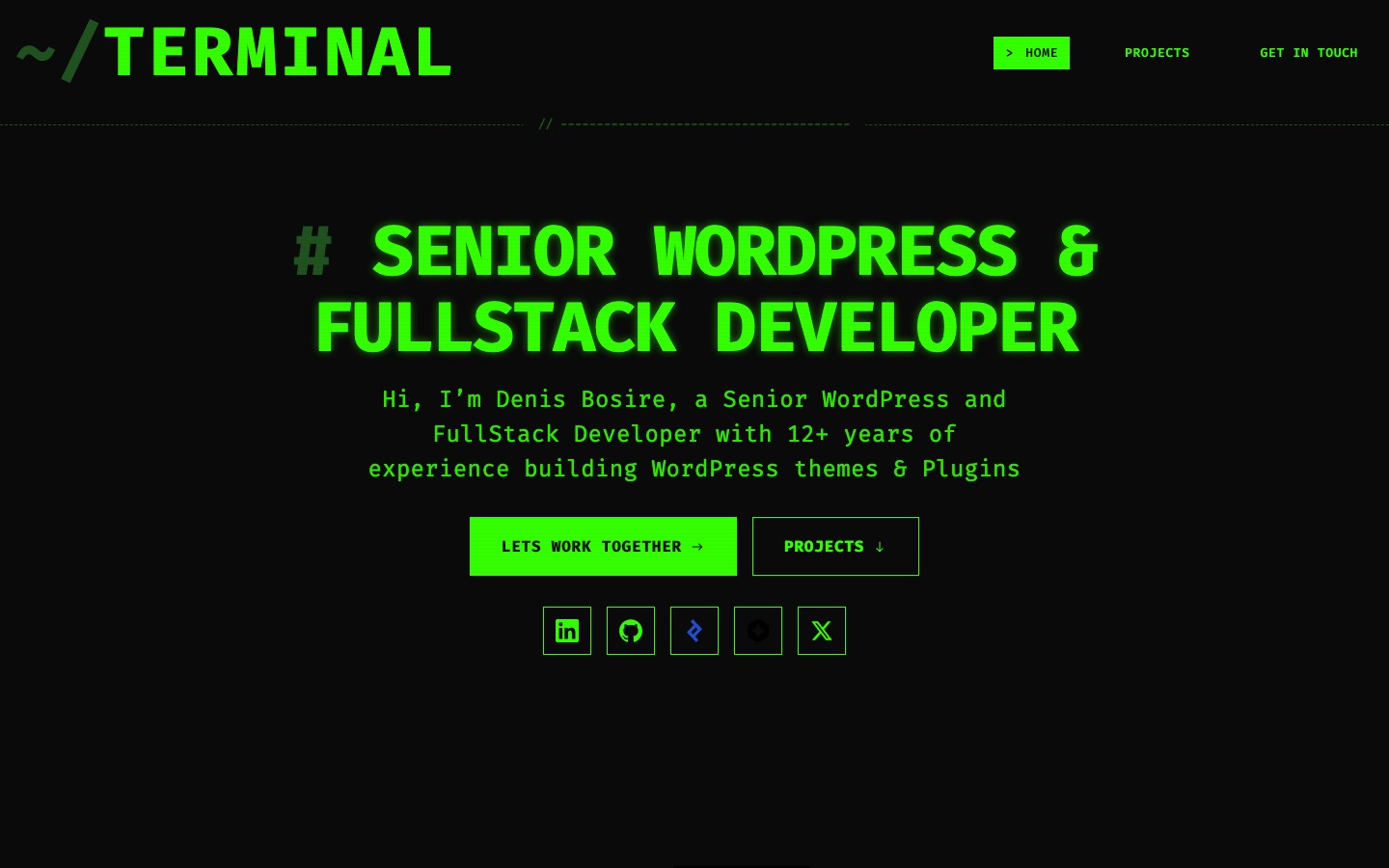
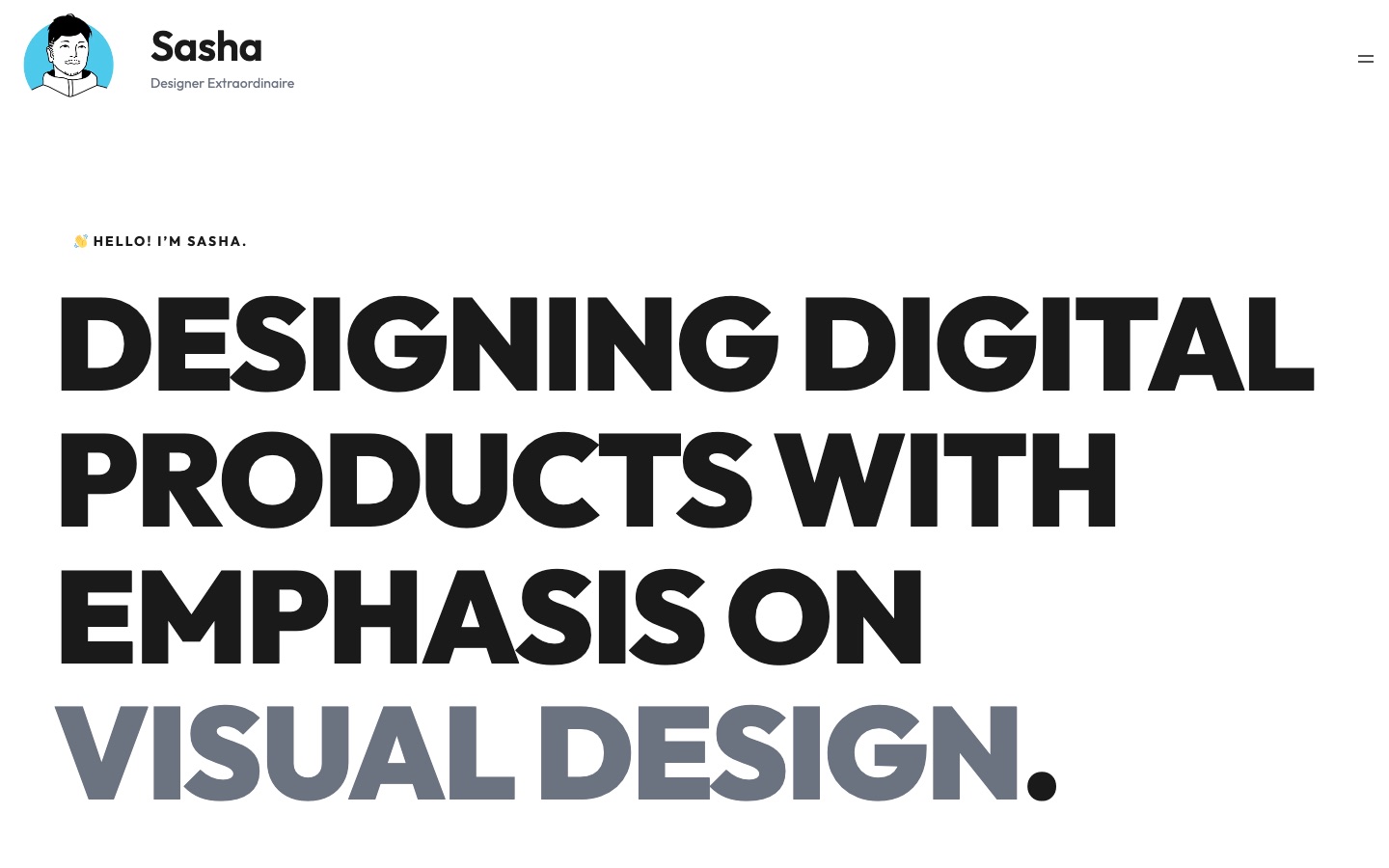
A full site editing theme for portfolios, blogs and small businesses, with Neo-brutalist, Swiss and Terminal styles.
- Version
- 1.0.3
- Requires
- WordPress 6.7+, PHP 7.2+
- License
- GPLv2 or later
- Price
- Free
WordPress plugin
Swishfolio Core
The companion plugin: 23 portfolio blocks, project and testimonial post types, a contact form and button extensions.
- Version
- 1.0.3
- Requires
- WordPress 6.4+, PHP 7.4+
- License
- GPLv2 or later
- Price
- Free
The hosted platform
Templates
Start from a professional template for designers, developers, agencies and product launches, then edit it visually.
Your own domain
Publish on a branded address like yourname.com, or on a swishfolio.com subdomain.
Launch in an hour
A short sign-up flow creates your site from the template you chose, ready to edit.
Payments
Subscriptions through Stripe, plus M-Pesa for customers in Kenya.
Fast and secure
Each portfolio runs on managed WordPress hosting, with backups by Swish Migrate & Backup.
SEO ready
Rank Math SEO on every site, with editable titles and descriptions for each page.
The theme
Three styles
Neo-brutalist, Swiss and Terminal style variations, each with its own palette and type.
Patterns for every page
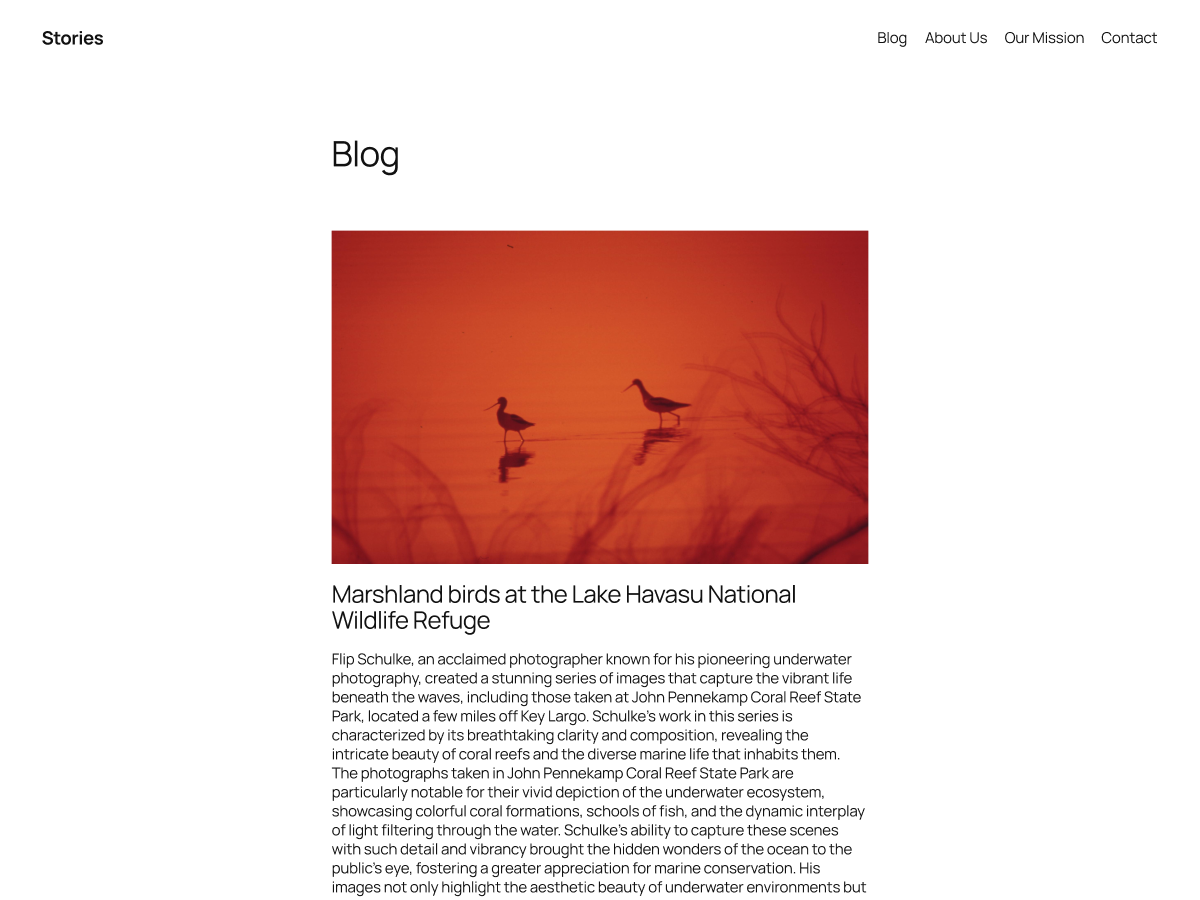
Patterns for services, landing pages and portfolios, with templates for text-led and image-heavy blogs.
International typography
Bundled Manrope, Vollkorn, Fira Sans, Fira Code and Platypi fonts, with right-to-left language support.
Accessibility ready
Tagged accessibility-ready, and every template and part is editable in the Site Editor.
Swishfolio Core blocks
Portfolio and projects
A Portfolio block that shows projects from the Project post type in a configurable grid.
Hero and headings
A full-bleed hero with shapes, blobs, background patterns and CTAs, and a heading block with a badge and sub-heading.
Galleries and sliders
Swish Gallery, a slider, bento cards, counters and feature grids to show work your way.
Testimonials, pricing and FAQ
Testimonial cards from their own post type, pricing plans and an FAQ block.
CV, links and socials
A CV block, a link-in-bio style links block and social icons.
Contact form
A REST-based form with nonce checks, an entries screen in the dashboard and optional SMTP or email service delivery.
See it in action

Self-host in minutes
- i.Upload and activate the theme under Appearance > Themes > Add New > Upload Theme.
- ii.Upload and activate Swishfolio Core under Plugins > Add New > Upload Plugin.
- iii.Pick a style in the Site Editor, then add projects and build pages from the Swishfolio blocks and patterns.
Questions
Is SwishFolio free?
The theme and the Swishfolio Core plugin are free and open source under the GPL, so you can run them on your own WordPress site. Hosted portfolios on swishfolio.com are a paid service.
Do I need the plugin to use the theme?
The theme works on its own with core blocks. Swishfolio Core adds the portfolio, hero, gallery, form and other custom blocks, plus the project and testimonial post types, and the theme’s patterns are designed around them.
Does Swishfolio Core work with other themes?
Yes. It uses standard WordPress APIs and works with any block theme that provides the usual colour and font-size presets in theme.json.
Does the plugin call external services?
No. It makes no outbound requests and stores no analytics. Form submissions stay on your site, and email only goes through an SMTP server or email service if you configure one.
What happens to my content if I deactivate the plugin?
Projects, testimonials and form entries stay in your database, and block markup still renders as static HTML.
What is the difference between hosting and self-hosting?
On swishfolio.com you pick a template, connect your domain and publish with no setup, hosting or updates to manage. Self-hosting means installing the theme and plugin on your own WordPress site.