Remote Jobs
Free WordPress job board plugin and theme
Remote Jobs turns any WordPress site into a job board. Add jobs from the dashboard or let employers post them, filter listings without a page reload, and charge for featured listings through Stripe or PayPal.
remotejobs.swishfolio.com
Download
WordPress plugin
Remote Jobs plugin
The job board itself: job listings, four blocks, filters and paid featured listings.
- Version
- 1.1.2
- Requires
- WordPress 5.8+, PHP 7.4+
- License
- GPLv3 or later
WordPress block theme
Remote Jobs theme
A block theme for job boards and careers sites, with six colour palettes. It works with or without the plugin.
- Version
- 1.0.0
- Requires
- WordPress 6.7+, PHP 7.4+
- License
- GPLv2 or later
Four blocks for your job board
Job List
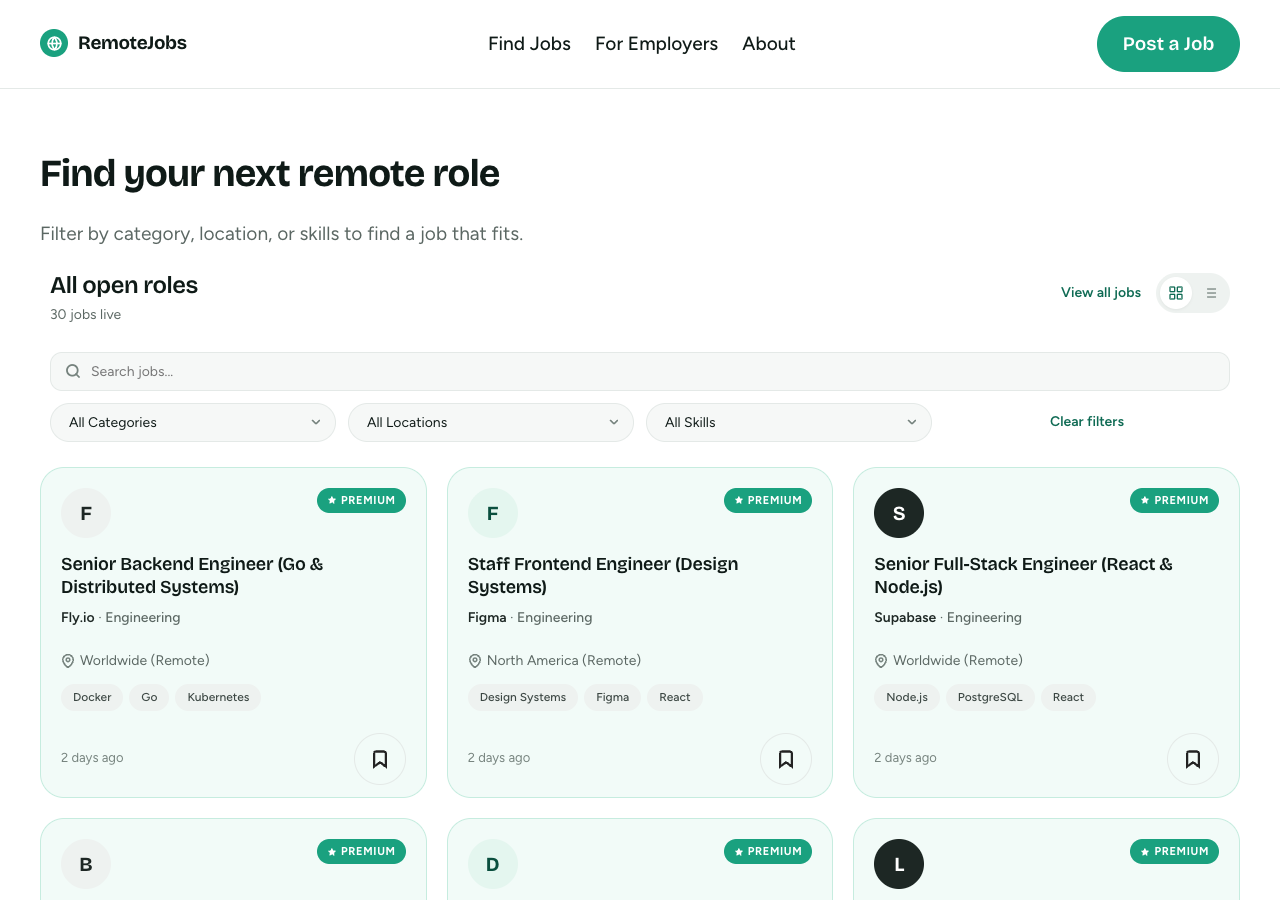
Show jobs in a grid or list, with search and dropdown filters for category, location and skills. Filtering runs over AJAX, so there's no page reload.
Job Sidebar
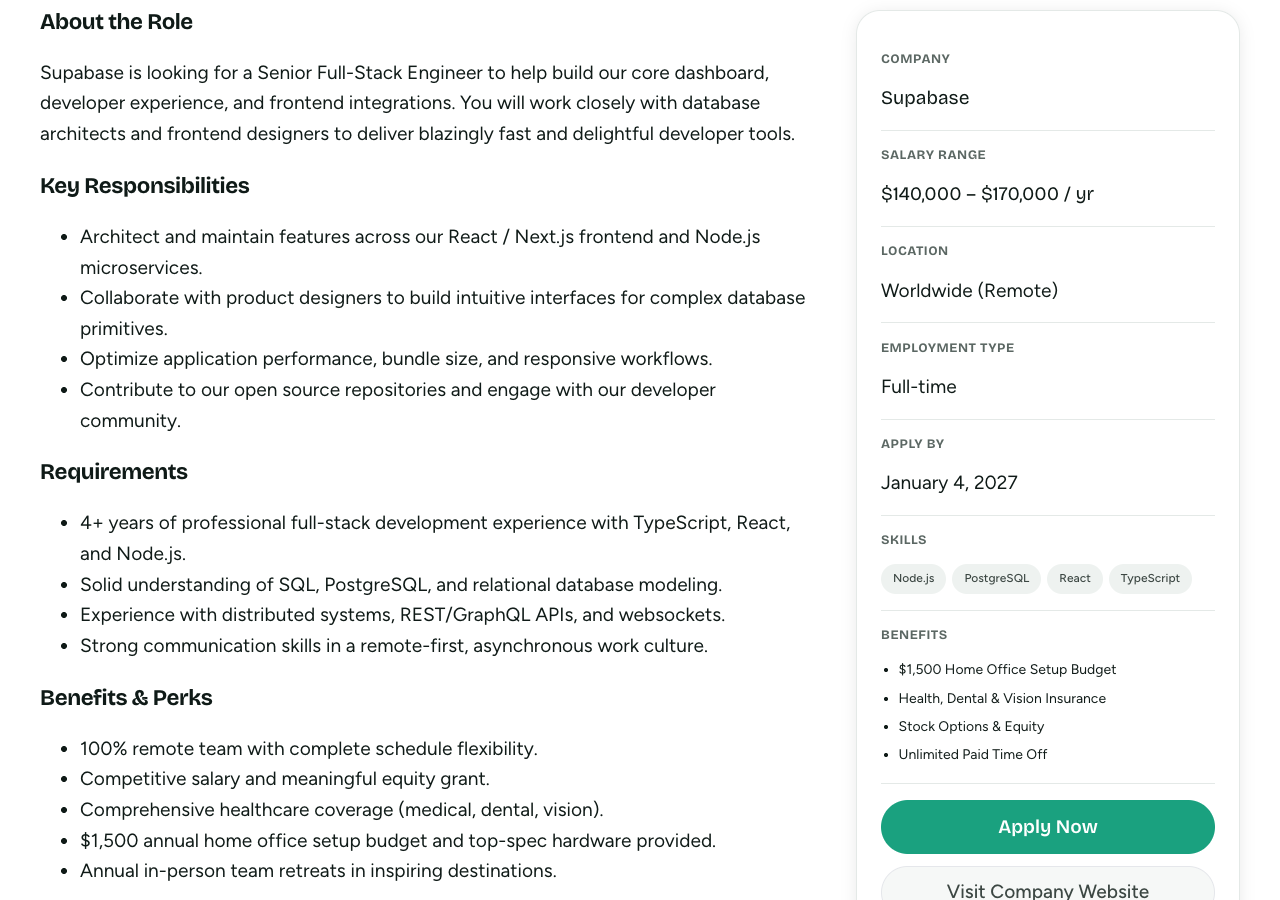
Show company, salary range, location, employment type, deadline, skills and benefits on each job, with an Apply Now button.
Submit Job
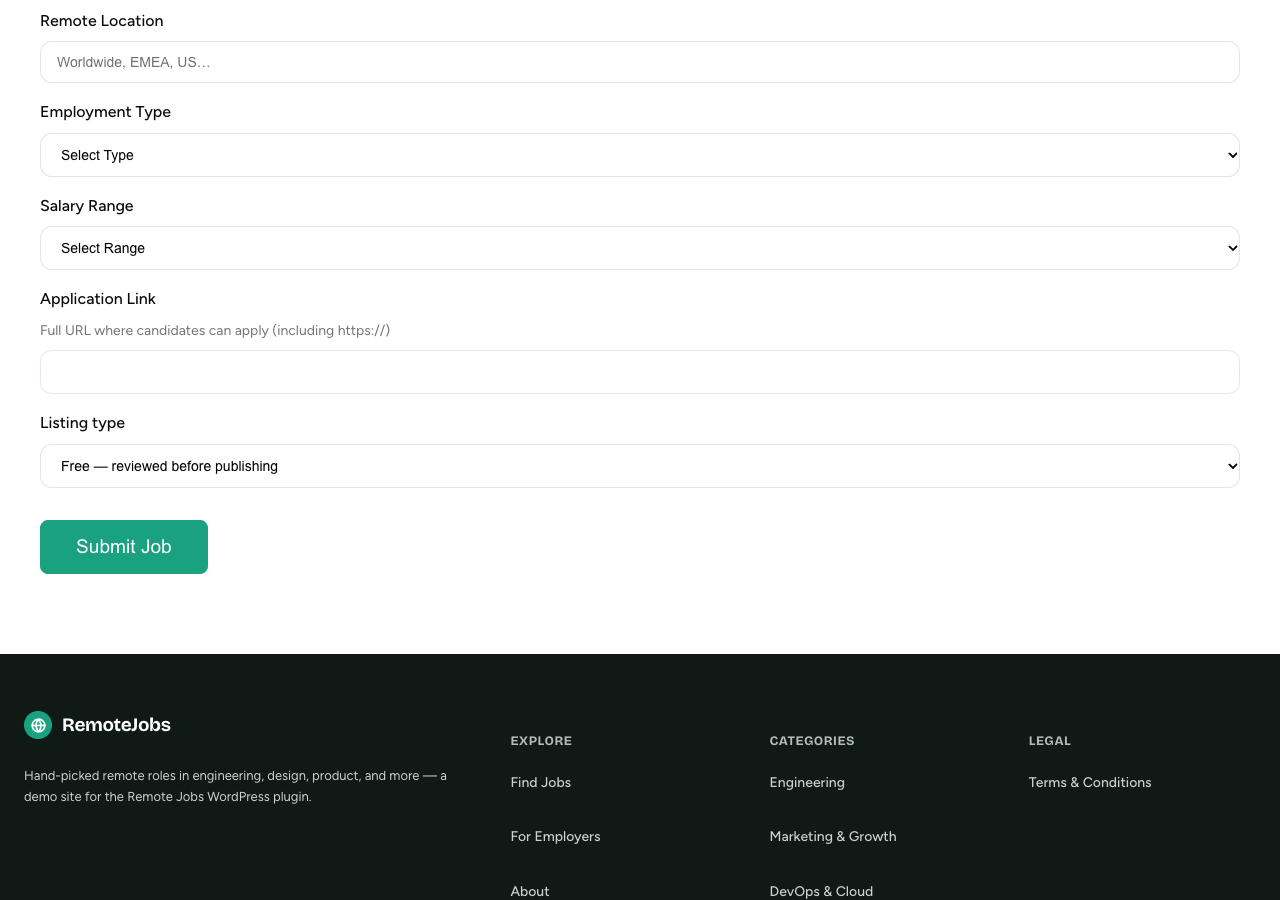
Give logged-in employers a front-end form. Free submissions wait as pending until an admin reviews them.
Company Registration
Let employers sign up from the front end. Their account can use the Submit Job block straight away.
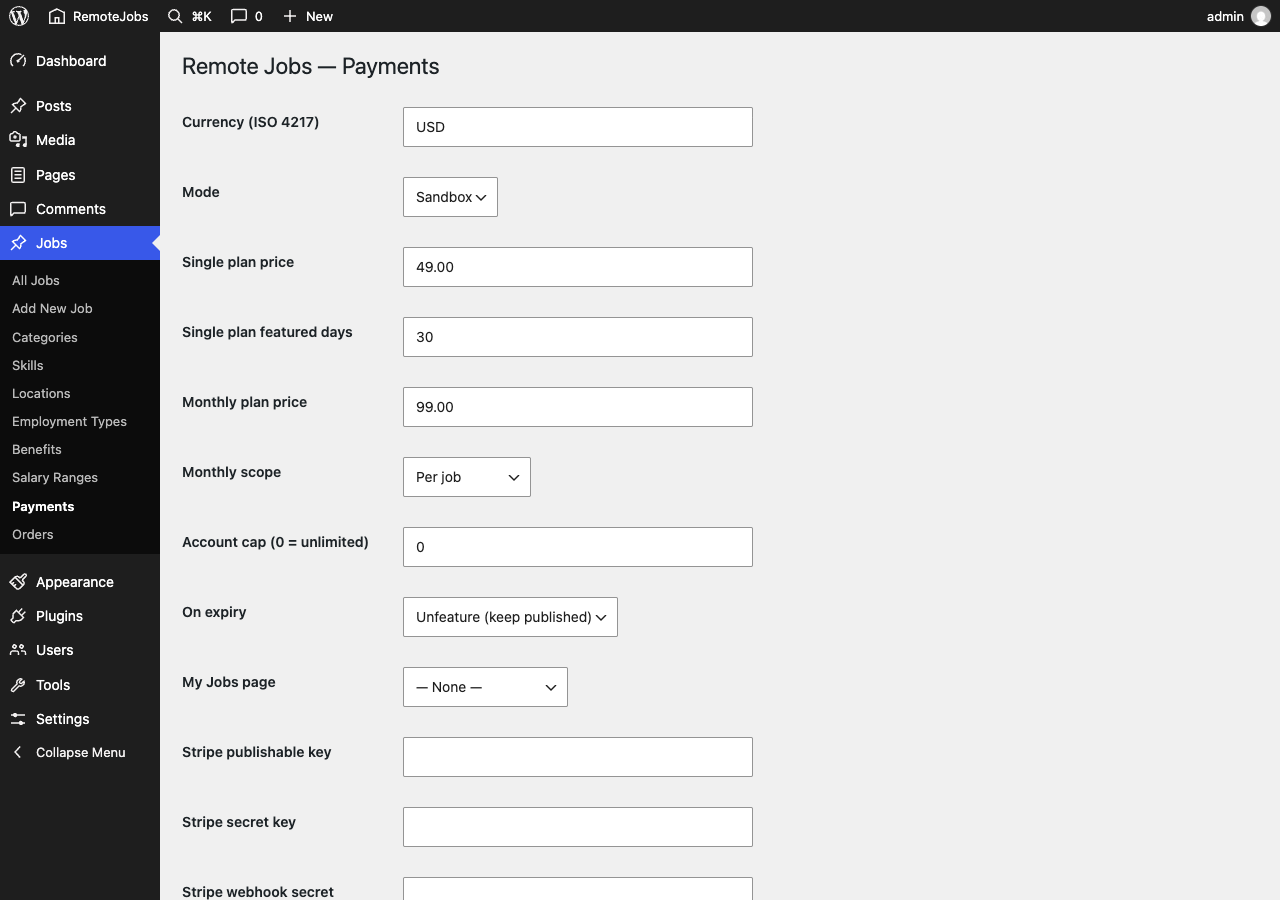
Charge for featured listings
Single plan
A one-time payment features a job for a fixed number of days, 30 by default.
Monthly plan
A recurring Stripe or PayPal subscription keeps a job featured while it stays active.
Automatic publishing
A signed webhook confirms payment, then the job is published and featured without manual approval.
See it in action
Set up in minutes
- i.Install and activate the plugin from Plugins > Add New in WordPress.
- ii.Add the Job List, Job Sidebar, Submit Job and Company Registration blocks to your pages.
- iii.Optionally, add Stripe or PayPal keys under Jobs > Payments to sell featured listings.
Questions
Is Remote Jobs free?
Yes. The plugin and theme are both free and open source under the GPL. If you turn on paid featured listings, employers pay through your own Stripe or PayPal account.
Do I need Stripe or PayPal to run a job board?
No. Paid listings are optional. Free job submissions work out of the box and are saved as pending until a site admin approves them.
Do I need the theme to use the plugin?
No. The plugin's blocks work with any WordPress block theme. The Remote Jobs theme adds templates and styling tuned for those blocks, and it also works without the plugin.
How do paid featured listings work?
An employer pays through a Stripe or PayPal hosted checkout. A signed webhook confirms the payment and the job is published and featured automatically. Featuring then expires on schedule, based on the plan.
What is the difference between the Single and Monthly plans?
The Single plan is a one-time payment that features a job for a fixed number of days, 30 by default. The Monthly plan is a recurring subscription that keeps a job featured while the subscription stays active.
How do I install the theme?
Download the theme zip, go to Appearance > Themes > Add New > Upload Theme in WordPress, choose the zip, then install and activate it.